Weekly StorePulse report
Product activity
Cart activity
Purchases and revenue
 The Peak Beyond
How TPB works
TPB connects physical product interaction, on-screen shopping, POS orders, and weekly reporting.
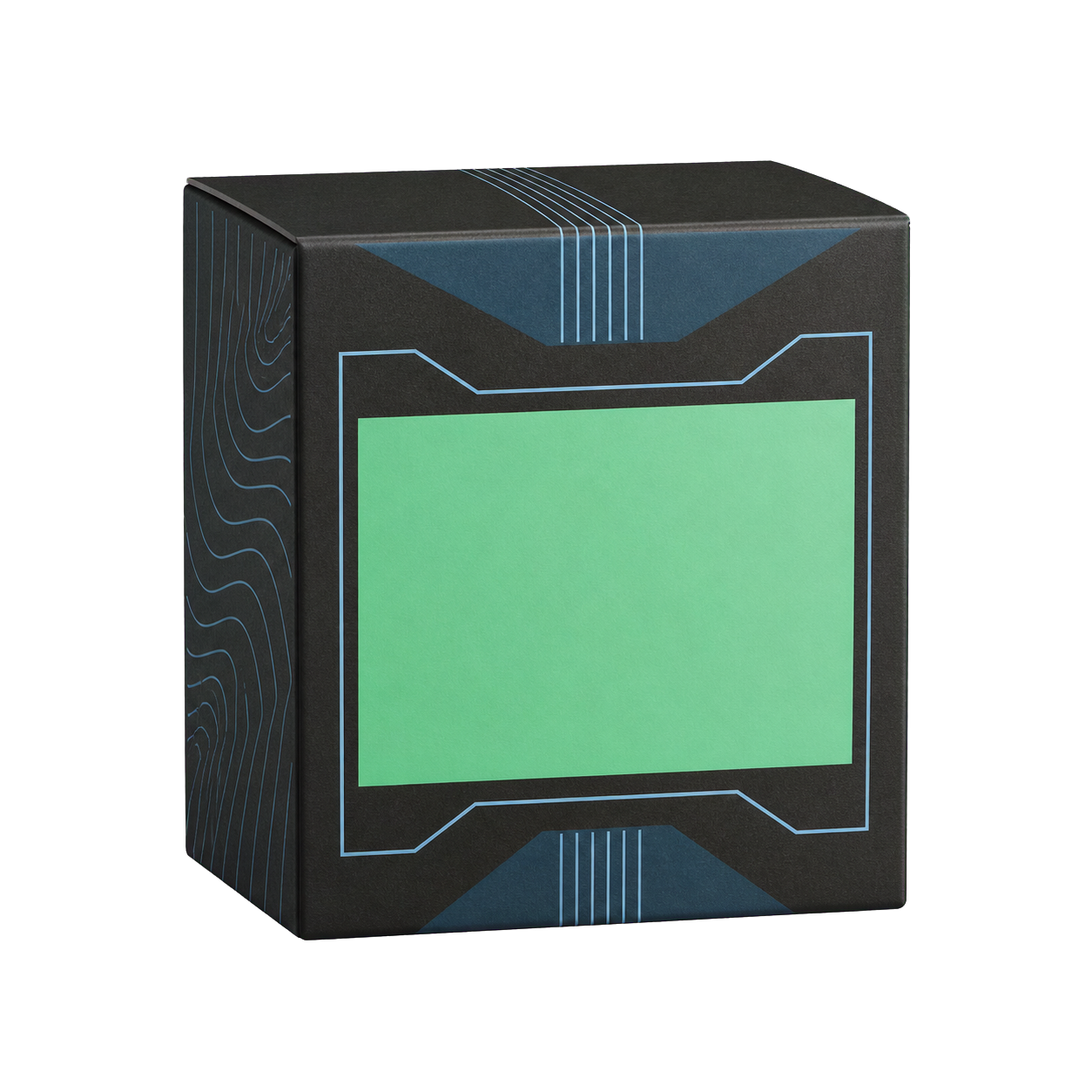
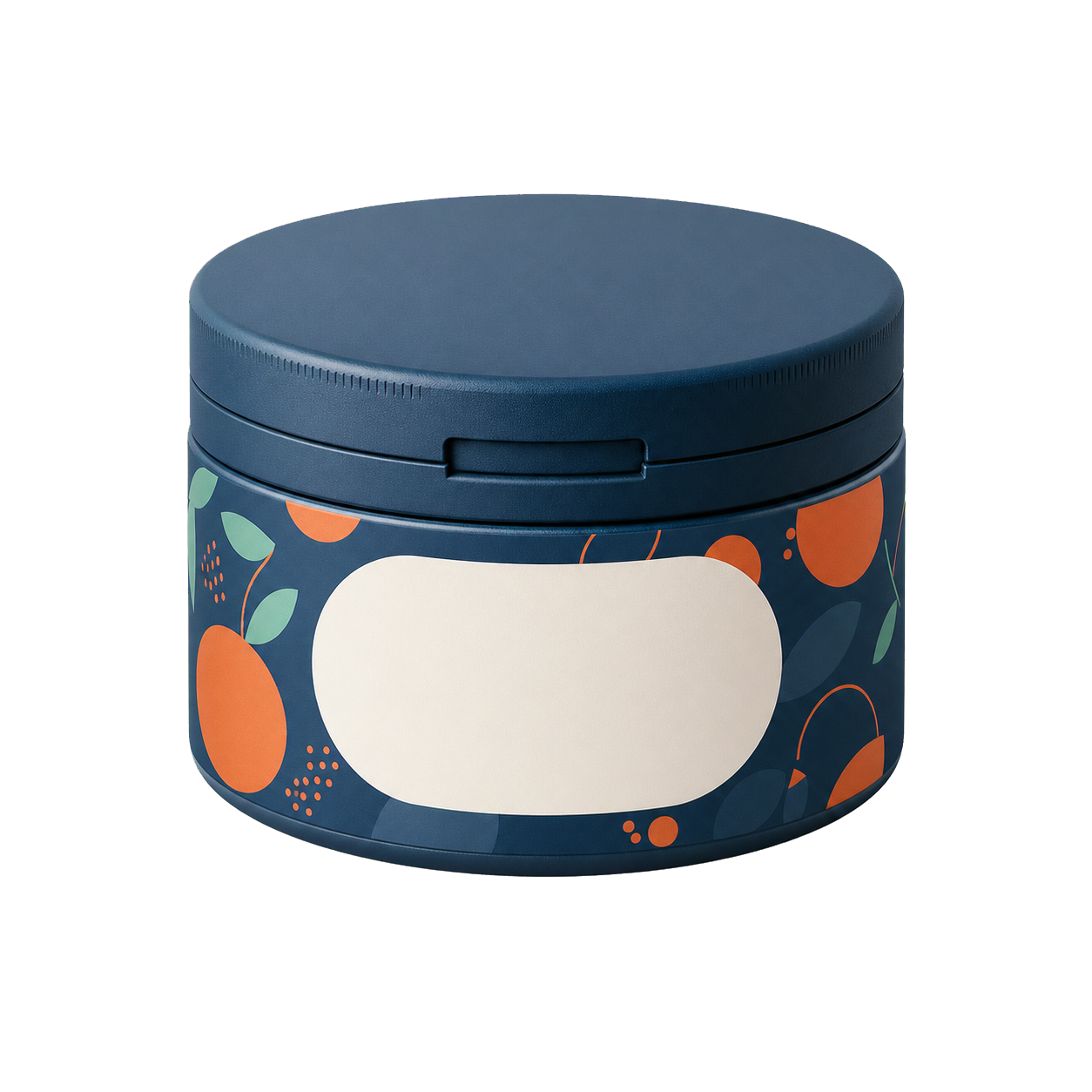
Pick up a product
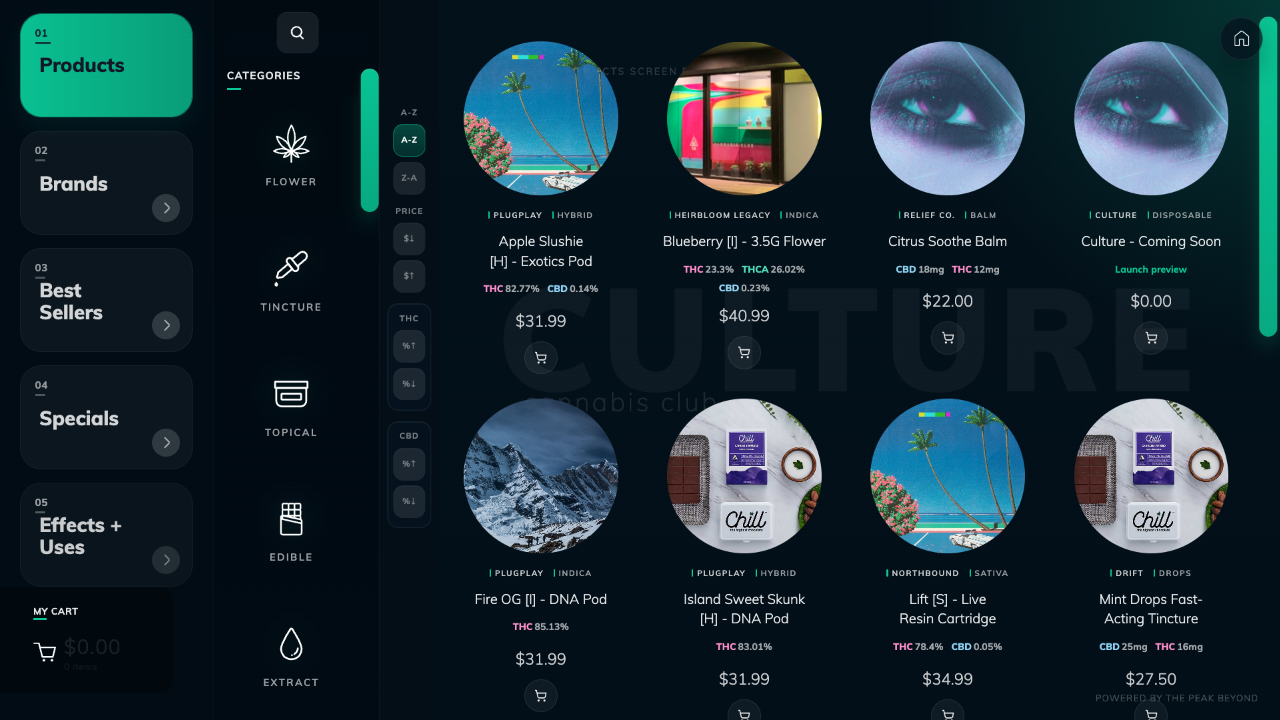
Browse and compare
Add to cart and order
01 / Product to order
A customer picks up or places a product at an interactive display. The screen opens that product first, then supports comparison and ordering. StorePulse reports what customers viewed, added to cart, and bought.
What customers do
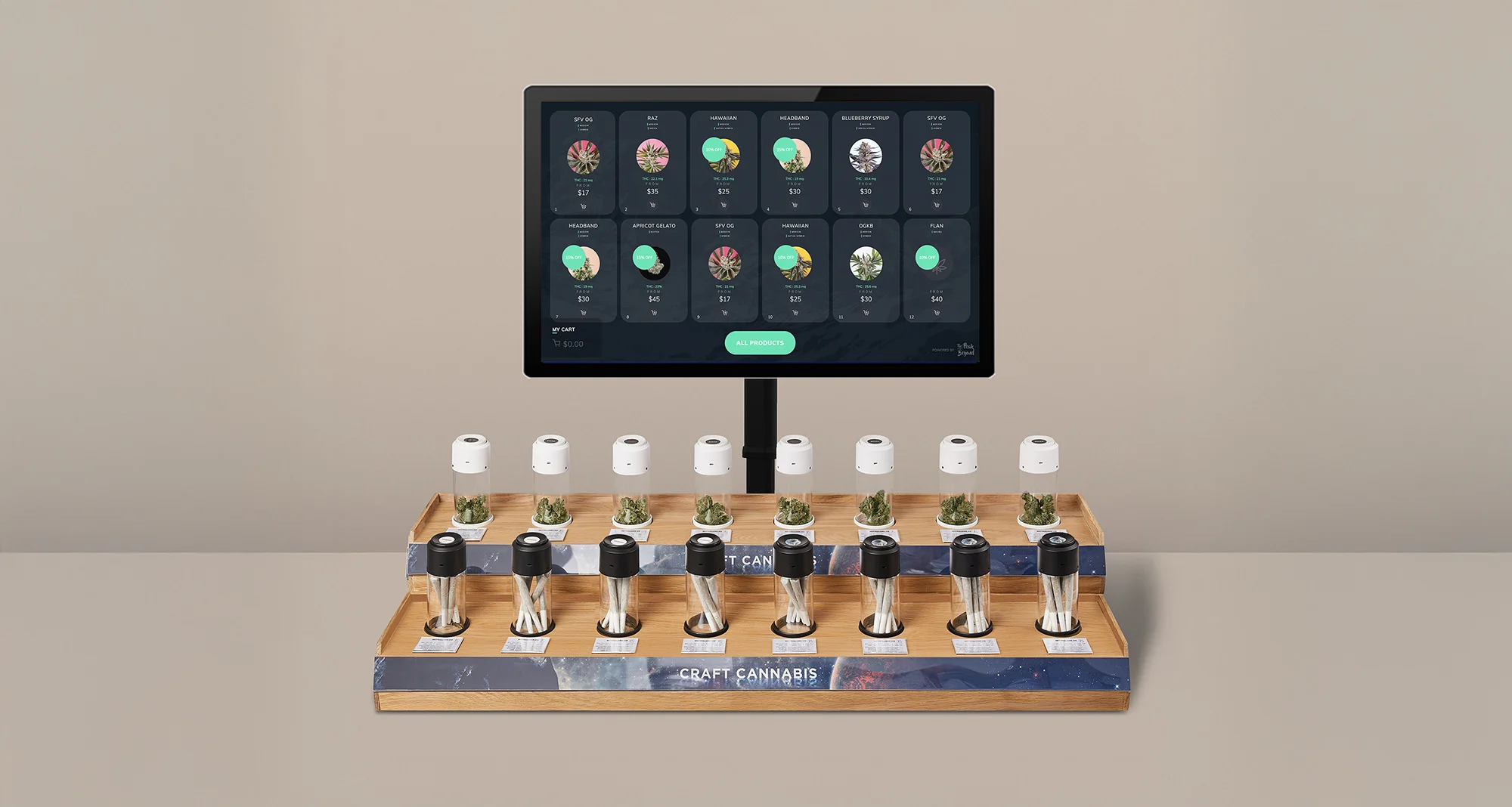
On Flower and Category displays, a lift or placement opens the matching product information on screen.
02 / Five display types
Use one display type or combine several across your location.
A customer lifts a flower jar. The screen opens the matching product information.
Optional starting point
A four-display starting plan with one Flower, one Category, one Quick Checkout, and one Branded display.
03 / POS connection
Enter and manage product information in your POS. TPB displays it on connected screens. Customer orders return to the POS.
Product data reaches the display. Orders return to the POS.
04 / Design and build
Choose a fixture from one of our display partners, or use TPB shop drawings to build the technology into your own furniture.
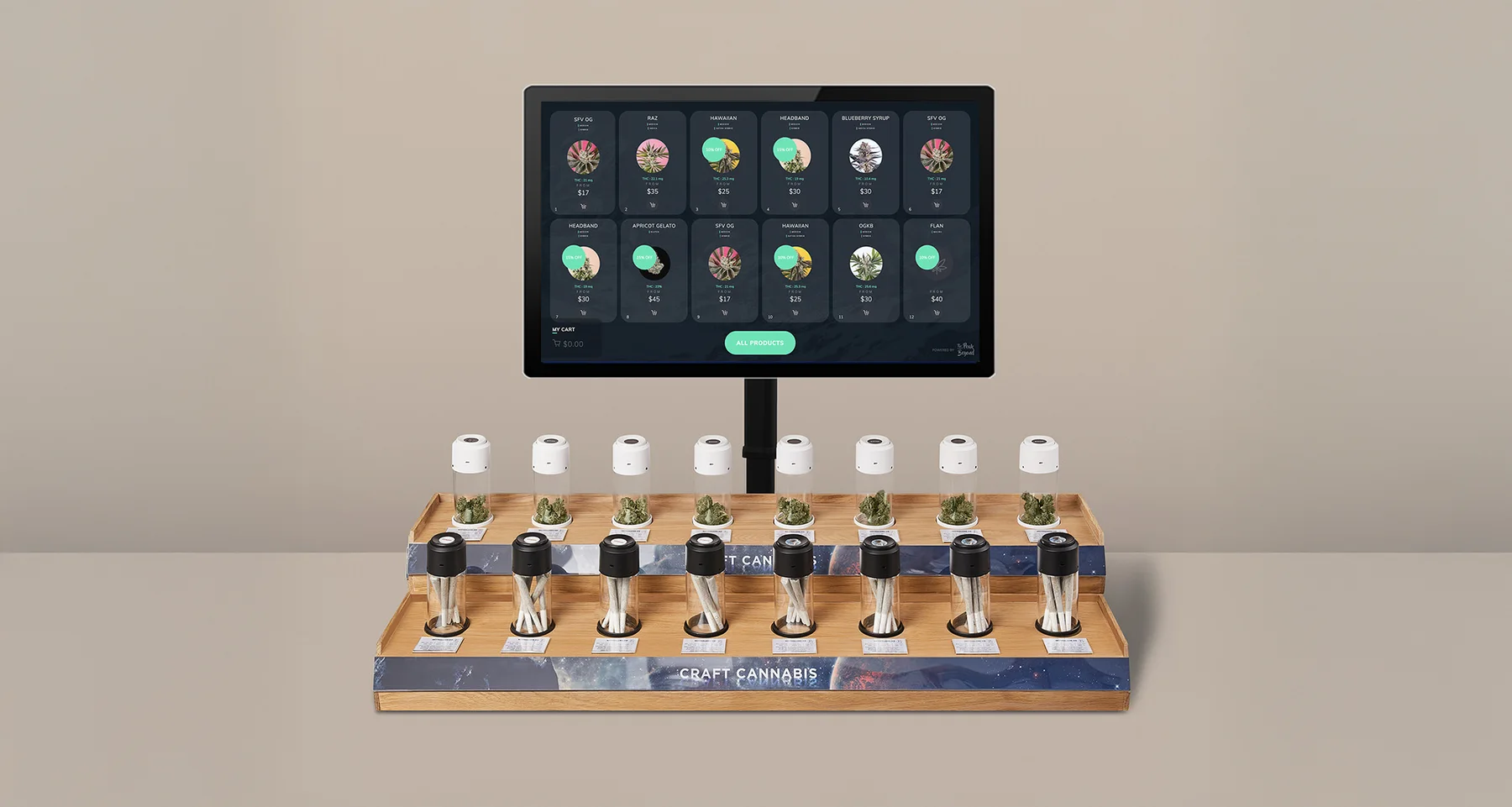
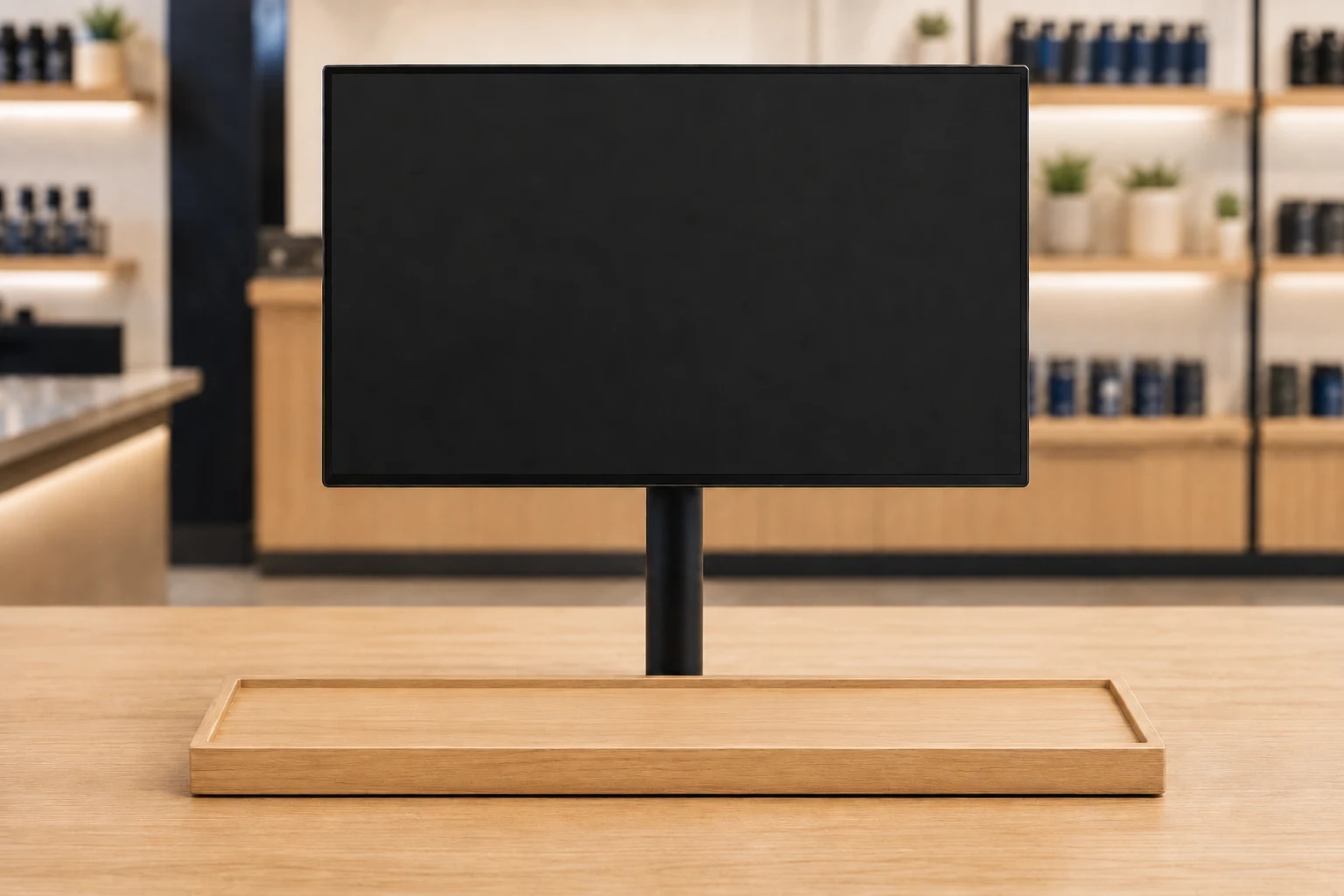
A complete fixture with the screen, product deck, and technology planned together.
Works in existing locations and new builds. Add a display to the floor you have, or plan it with your fixtures, power, and network.
05 / Rollout
TPB provides
Your team provides
06 / Weekly StorePulse reporting
Use each report to compare products, campaigns, and placements. See what customers viewed, what they added to cart, and which purchases were completed. Then decide what to test next.
See a StorePulse reportAvailable measures vary by display type and POS integration.
Choose the product experience, mounting type, and location that fit your floor. Store Designer turns those choices into a starting plan.